For creators · Video titles
YouTube title test: which title would you click?
A YouTube title test can help you choose between short titles before a video is live. Use the same thumbnail with every option so the wording is what changes. We aim for first answers within about 15 minutes in UK daytime; replies may be slower for now.
We review requests by hand.

Questions for a YouTube title test
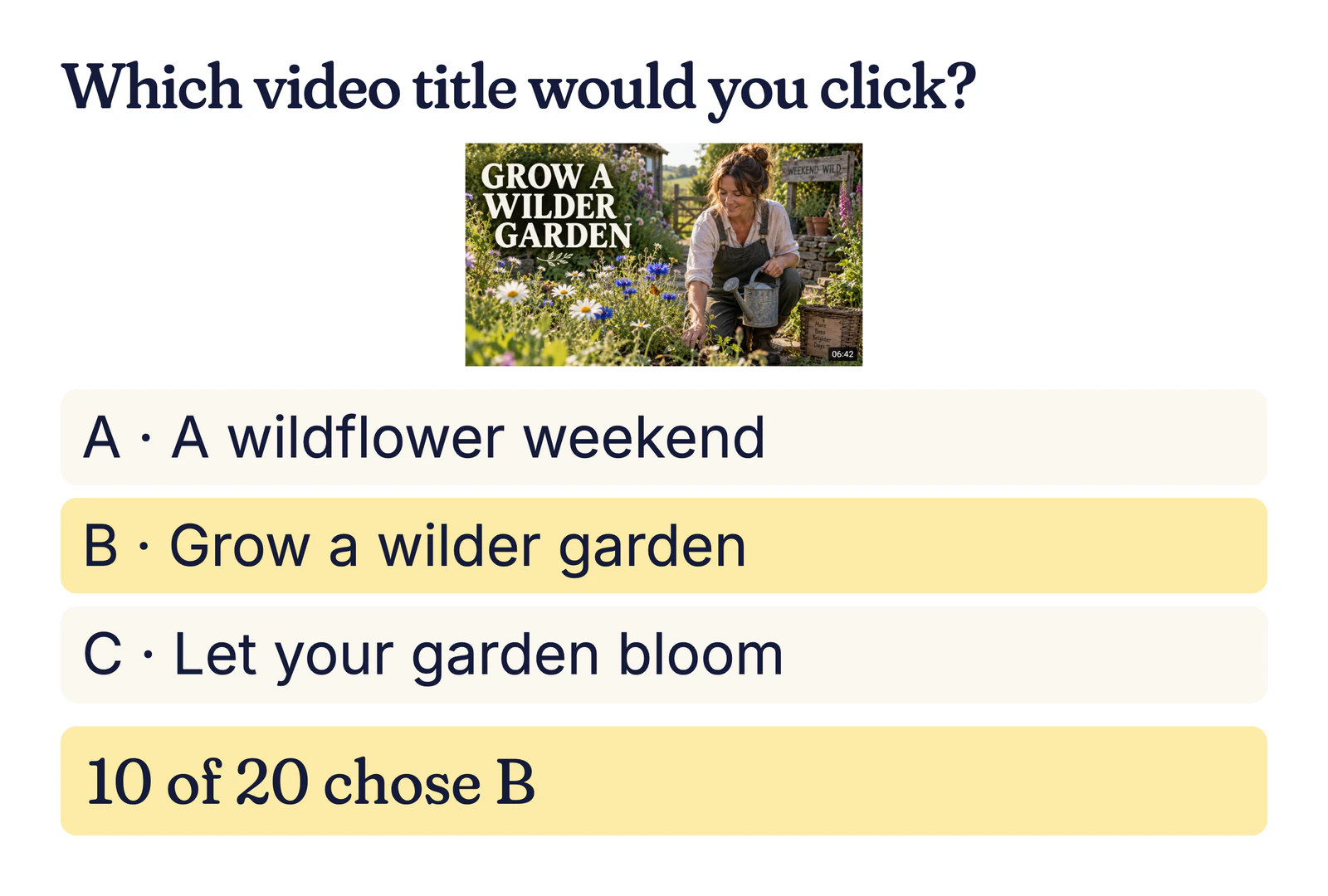
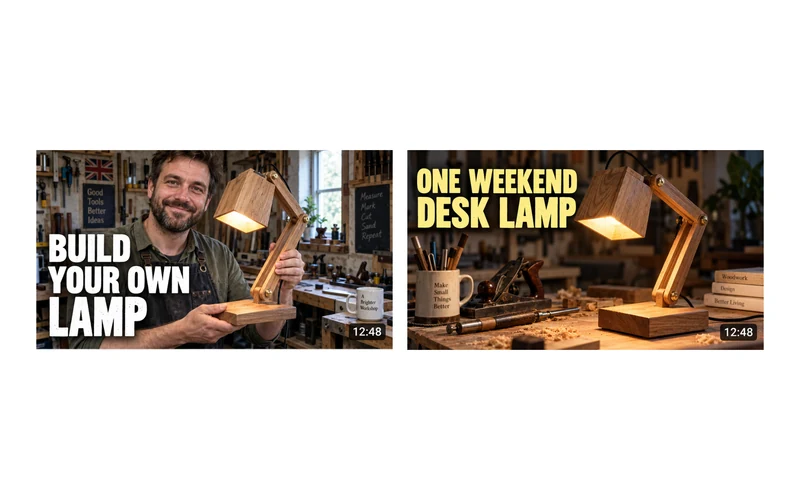
Keep the thumbnail unchanged while you test title wording. Ask which line best matches the video people expect to see:
- Example: WeekendWild asks which gardening title someone would click: “Grow a wilder garden”, “A wildflower weekend” or “Let your garden bloom”.
- What do you expect this video to show from its title?
- Which title best fits this one thumbnail?
What a YouTube title tester reveals
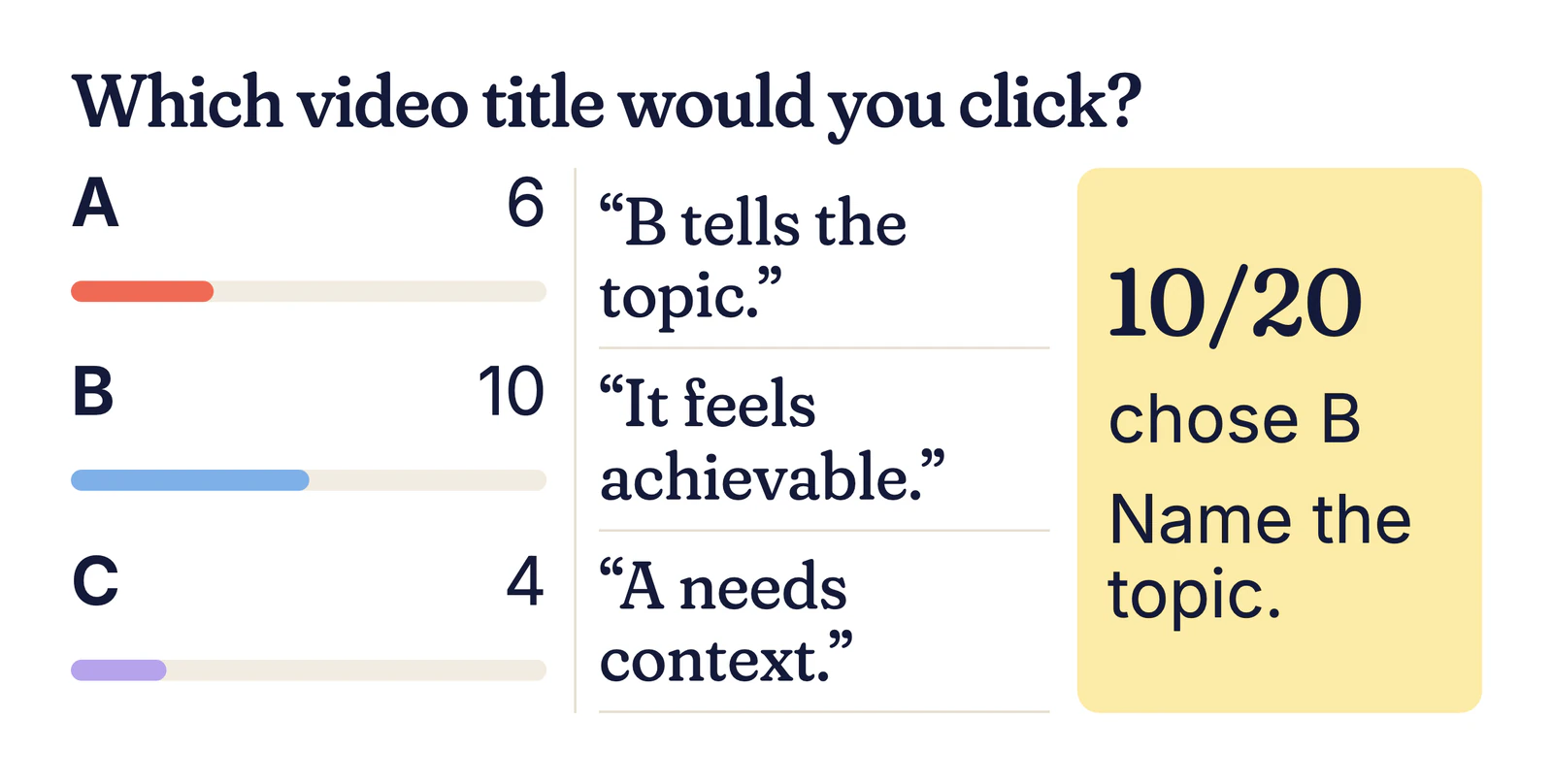
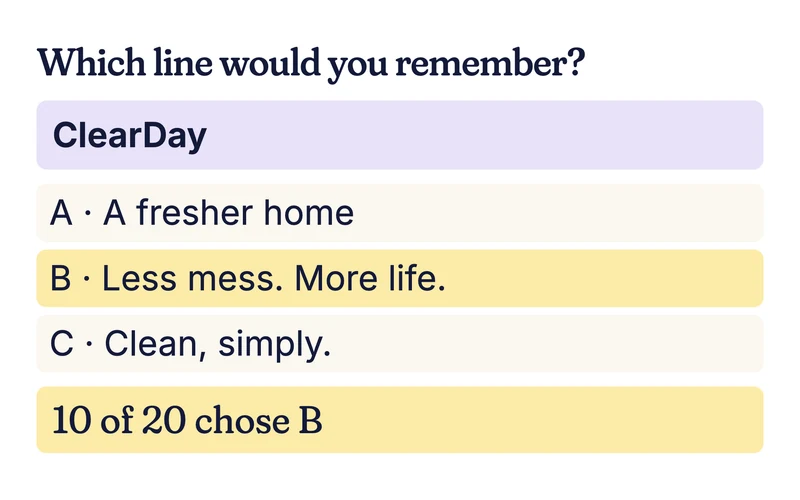
Illustrative result: In the illustrative WeekendWild result, “Grow a wilder garden” gets 10 of 20 picks, “A wildflower weekend” six and “Let your garden bloom” four. The thumbnail itself already says “GROW A WILDER GARDEN”, so that wording may have an unfair advantage. Retest on a text-free thumbnail before drawing a conclusion about the title.
How to keep the thumbnail constant
Enter up to three titles as short text options and show the same thumbnail with each. Ask which someone would click or what they expect to watch. Members answer blind and add a reason. Text options can be up to 80 characters; if a title is longer, shorten it before testing rather than cutting off the important part.
The Ask hub covers other formats.
Why outside title reactions help
A YouTube title tester can uncover an expectation problem before upload. People may click a title that promises a different video from the one you made. Their reasons show whether they saw the subject, the benefit or just a familiar phrase.
Honest limit: These are stated choices from a mixed UK pool, not measured clicks by your subscribers. The example thumbnail repeats one title and can bias the vote. A title test is not a substitute for your live channel results.
What it costs
Asking is free during early access, by invitation. At paid launch a quick take starts from 30p an answer plus 50p a question (launch example); 20 quick takes would come to about £6.50. You see the quote before asking.
Your questions, answered
How do I test YouTube titles?
Show two or three short titles with the same thumbnail and ask which a person would click. Then ask what video they expect. If the artwork contains words matching one title, remove those words for a fairer title-only comparison.
Can YouTube test titles itself?
Yes. Eligible creators can use YouTube Studio on a computer to test titles alone, thumbnails alone or both together on a live video. YouTube chooses by watch-time share, which measures a different outcome from this pre-publish opinion test. See YouTube’s A/B testing help for current eligibility (checked 7 October 2026).
How long should a YouTube title be?
No particular title length will bring a click. Make the subject clear at the size and location where viewers will see it. Here, text options can hold up to 80 characters, but a shorter title may be easier to compare without truncation.
Should I test title and thumbnail together?
Yes when the pair is the real choice you face, but keep track of what changed. To isolate wording, hold the thumbnail constant. If you change both, a stronger result will not tell you whether the words or the image caused it.
How many titles can I test at once?
A current pick-one question can show two or three short options. If you have a longer list, shortlist before asking. Read the reasons because a small three-way vote can be split without a useful winner.
How much does this test cost?
During invitation-only early access, asking is free. At paid launch, the example rate is 30p per answer plus 50p per question, so 20 answers would be about £6.50. You see the quote before posting. You can compare up to three short titles in one question with the thumbnail held constant; a new title round is another question.
Find out what people really think.
Free during early access. No card needed.
Free during early access. We review requests by hand. Have an invite code? Join